

这是一个创建于 227 天前的主题,其中的信息可能已经有所发展或是发生改变。
labubu 太火热,实体店难买,二手太贵,本文教你用 Labubu Doll Generator Lora, 借助 together ai 的免费 api ,通过简单的提示词生成我们想要的 labubu 图片。
本文涉及基本 python 代码,若不想自己折腾,可以在线体验: ai-labubu-generator

简略步骤:
- 获取 Labubu lora 链接
- 注册 together ai 获取免费 1 美元 api 额度
- python 调用 api 生成图片
获取 Labubu lora 链接
我们不用下载到本地,这个链接后面会作为一个参数传入到 together ai 里面。
除非你是本地部署模型 lora ,需要下载
注册 together ai
这一步主要是获取 together api 的密钥
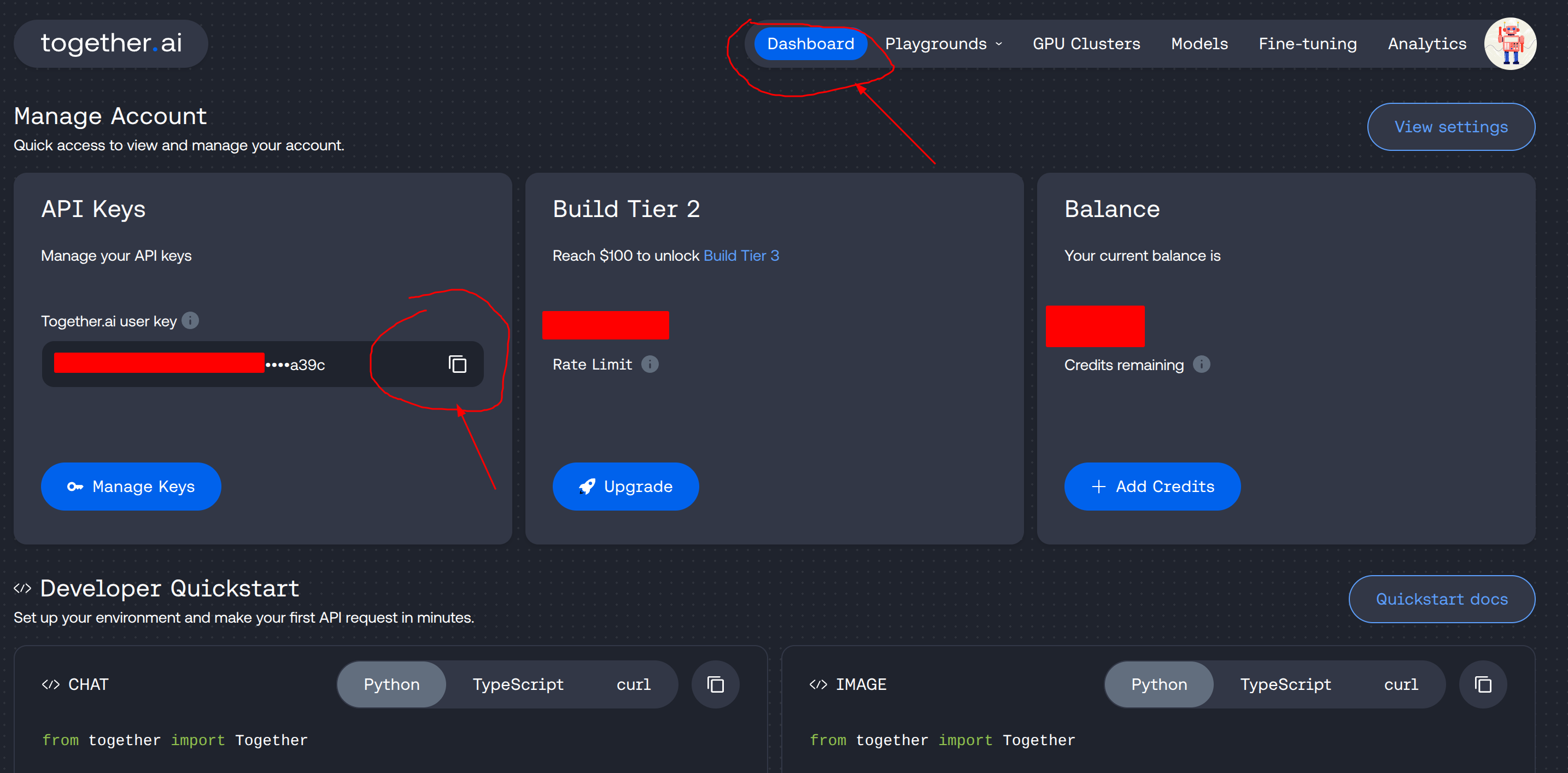
访问together.ai注册,注册完成之后进入到个人账号页面,点击 Dashboard ,可以看到赠送的 1 美元额度。如下图左侧API Keys, 点击复制密钥
python 调用
安装 together 依赖
pip install --upgrade together
调用 together api:
- copy 代码
- 修改密钥 api_key
- 修改提示词
- 运行,等待 5-10s 即可出结果
from together import Together # Set the API key directly in the client client = Together(api_key="") # 设置密钥 help(client.images.generate) respOnse= client.images.generate( # 设置自己的提示词 prompt="Labubu style, walking on street with a pack", #"labubu style, an astronaut", # 基模,不用改 model="black-forest-labs/FLUX.1-dev-lora", width=768, height=1024, image_loras=[ { "path": "https://huggingface.co/spaces/yeekal/lbb_lora/resolve/main/flux_lbb_style_v1_2ksteps.safetensors?download=true", "scale": 0.8 } ], steps=30 ) # 生成之后会返回一个图片 url 链接,点击即可看到结果 print(response.data[0].url) 图片中的宽高可以自定义设置,但是根据 together ai 的收费说明,图片越大,费用越贵。代码里面默认设置的768x1024清晰度也够用了,可以不用改,下面的图都是这个尺寸,可以参照下面生成的图。 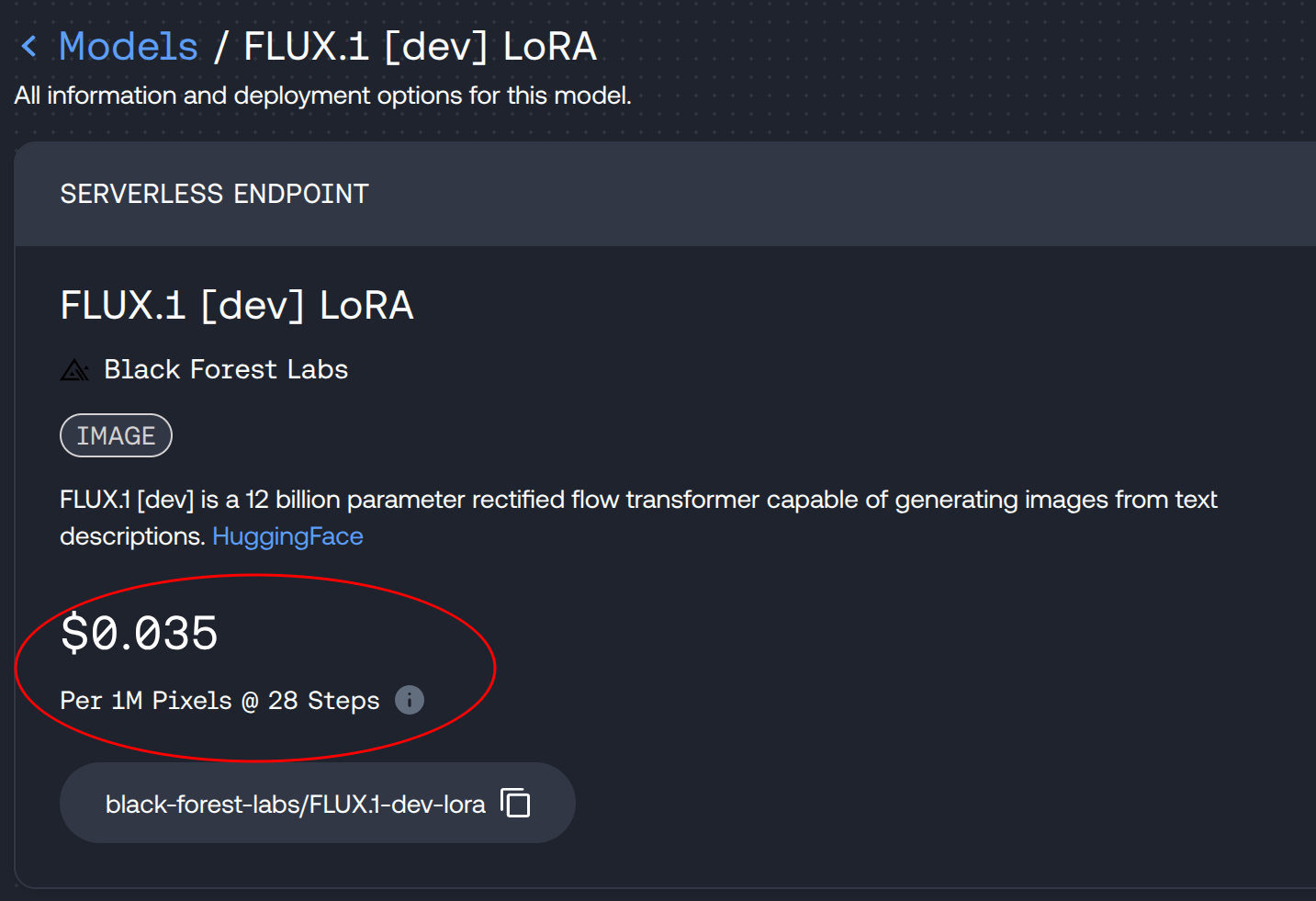
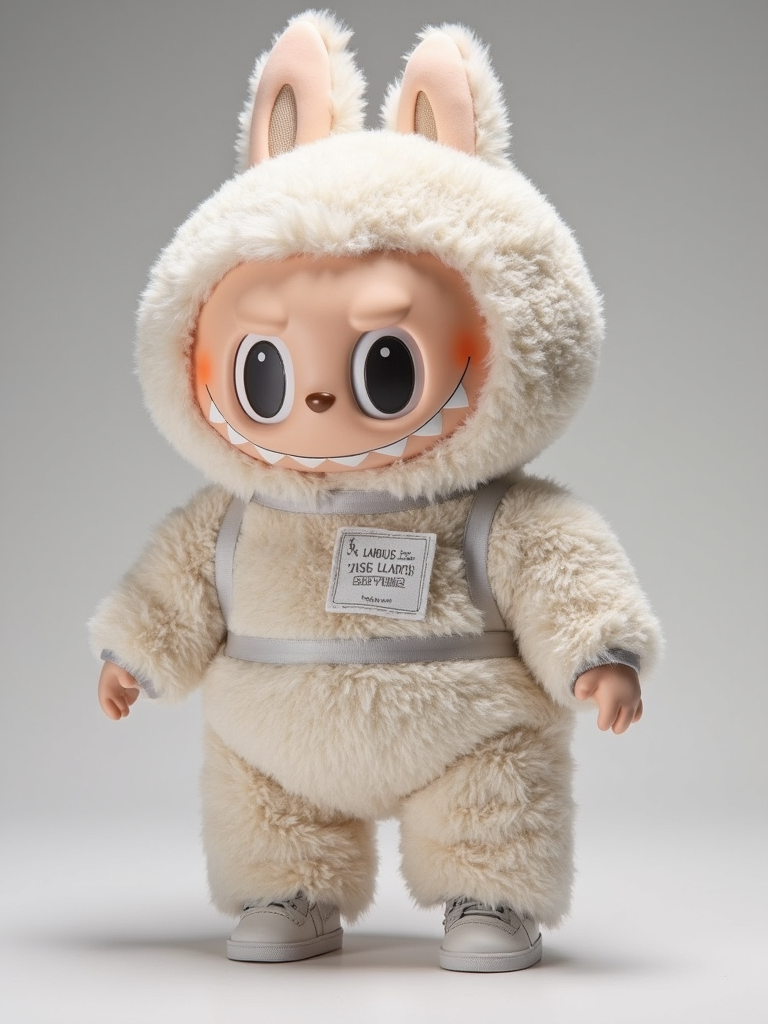
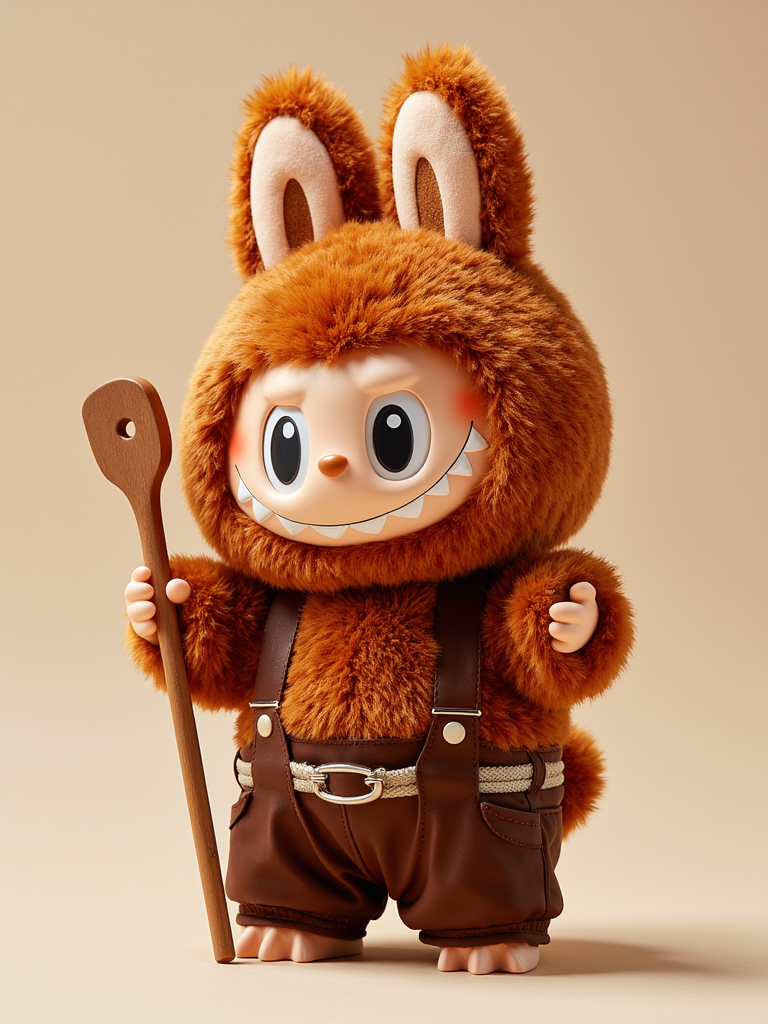
生成结果展示
在线试用链接: ai-labubu-generator


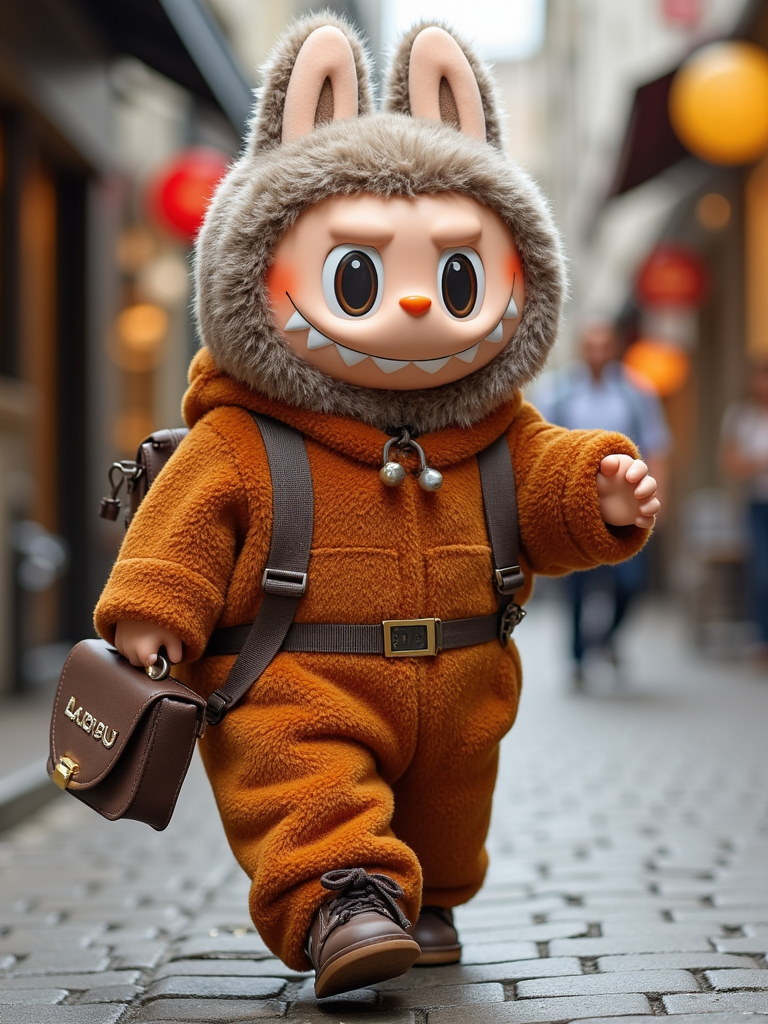
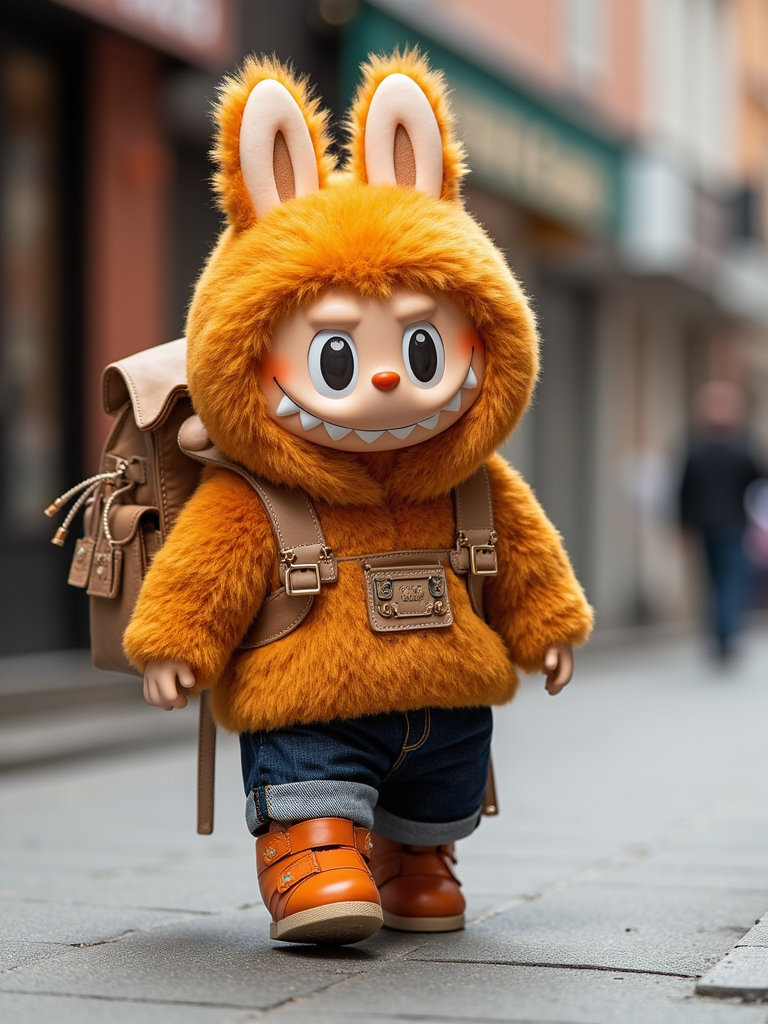
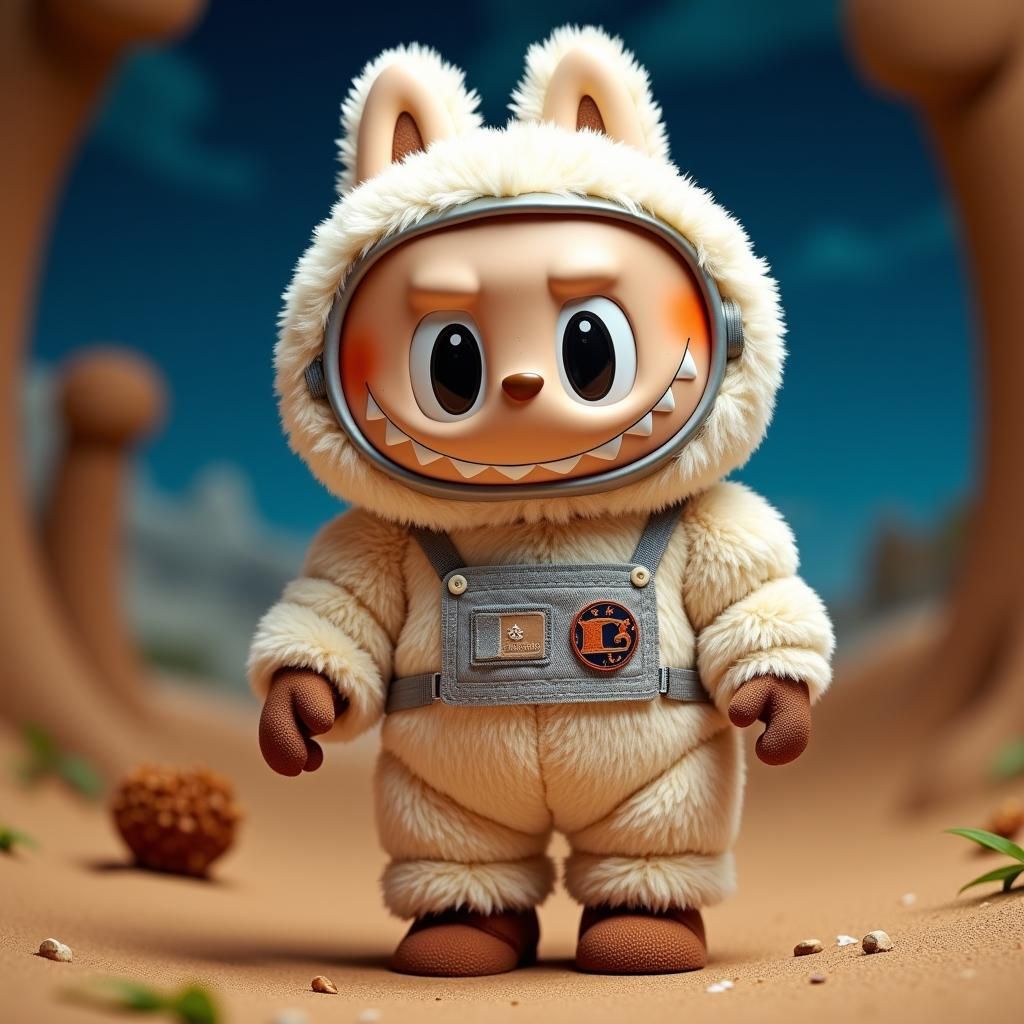
在线试用链接: ai-labubu-generator
第 1 条附言 2025 年 6 月 26 日
 | 1 Lentin 2025 年 6 月 17 日 搞点 livephoto 可以去小红书创业了 |

 | 3 340746 2025 年 6 月 18 日 via Android 可以直接用 kaggle ,找 ai 要个代码从 huggingface 自动加载 sd 和 lora ,还能调参数 |
 | 4 EmpCold 2025 年 6 月 18 日  1 楼说的对 1 楼说的对 |
 | 6 Kaiv2 2025 年 6 月 18 日 这玩意炒起来的逻辑是什么? |
 | 7 wujianhua22 2025 年 6 月 18 日 @Kaiv2 纯纯的营销而已,毫无实际价值的东西 |
 | 8 ly001 2025 年 6 月 19 日 我怎么卡了$2 |
 Select Language